1 / 7
About
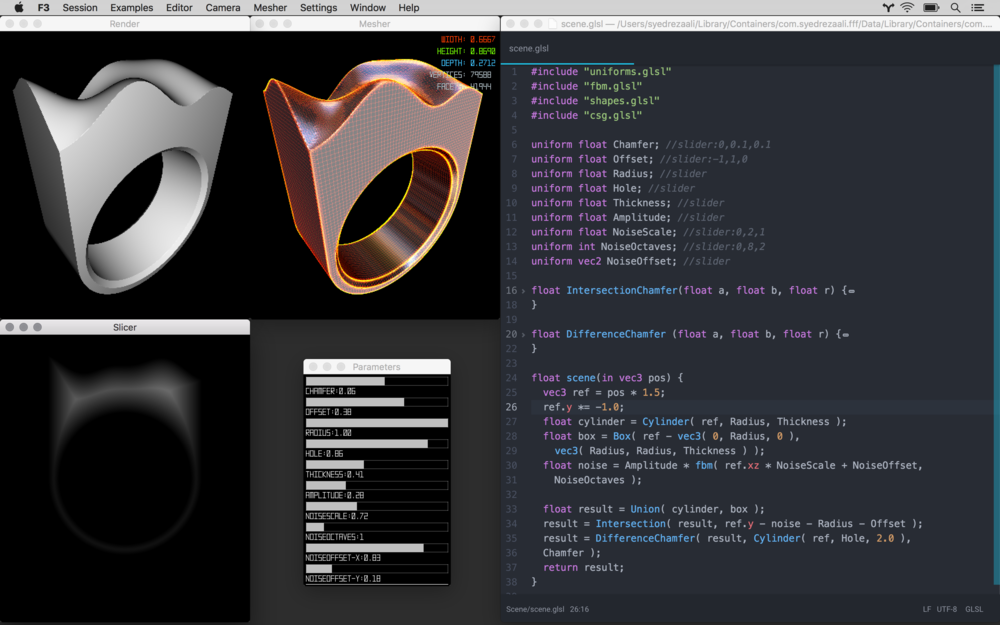
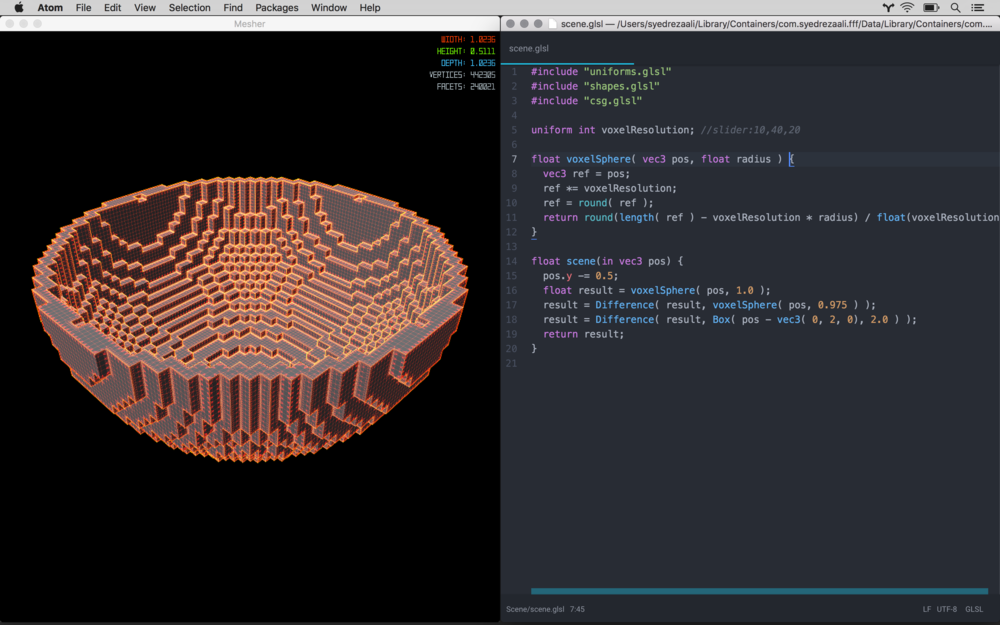
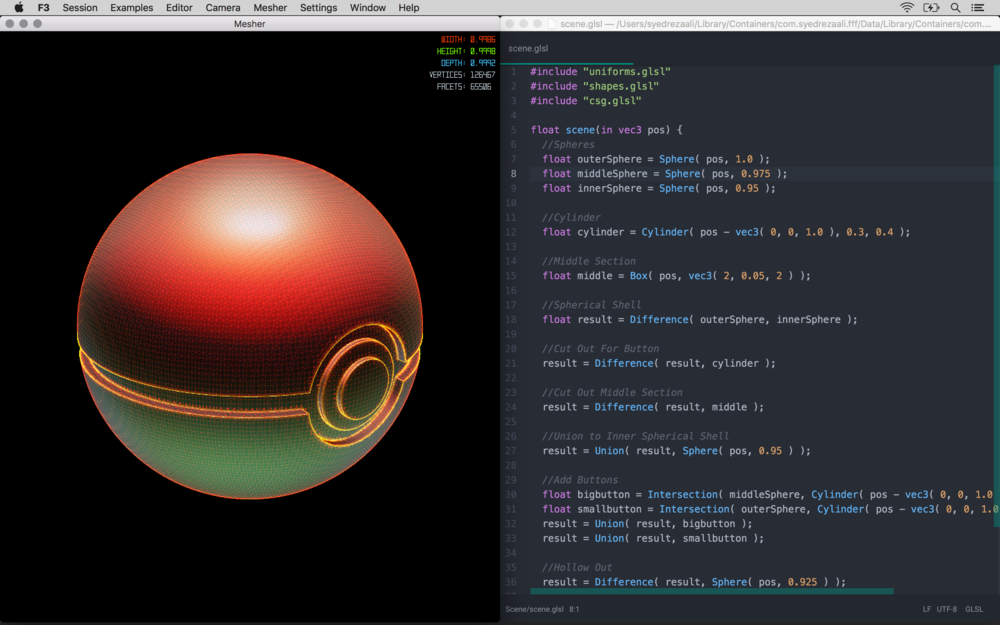
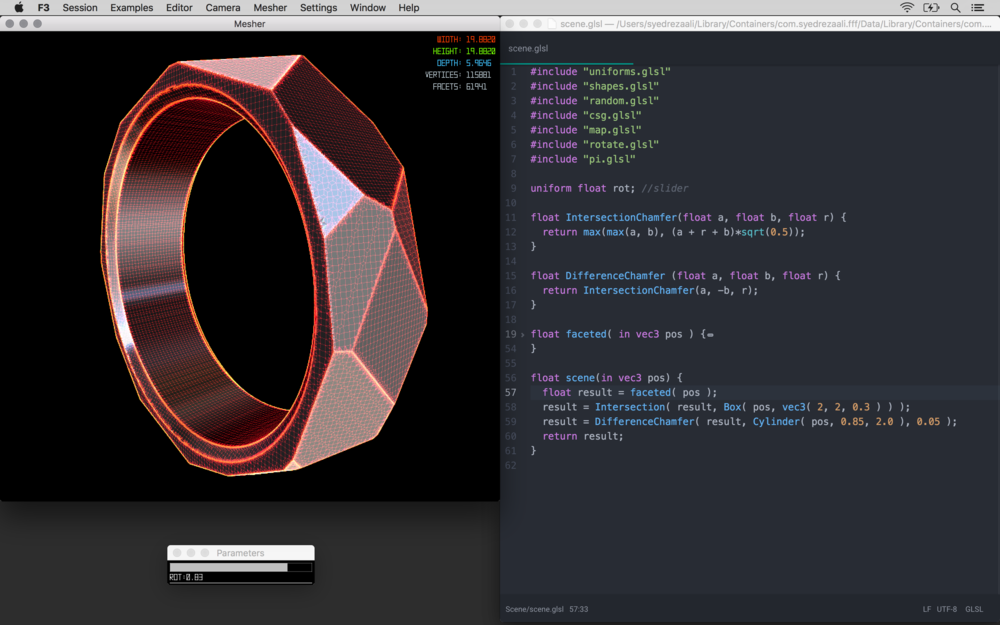
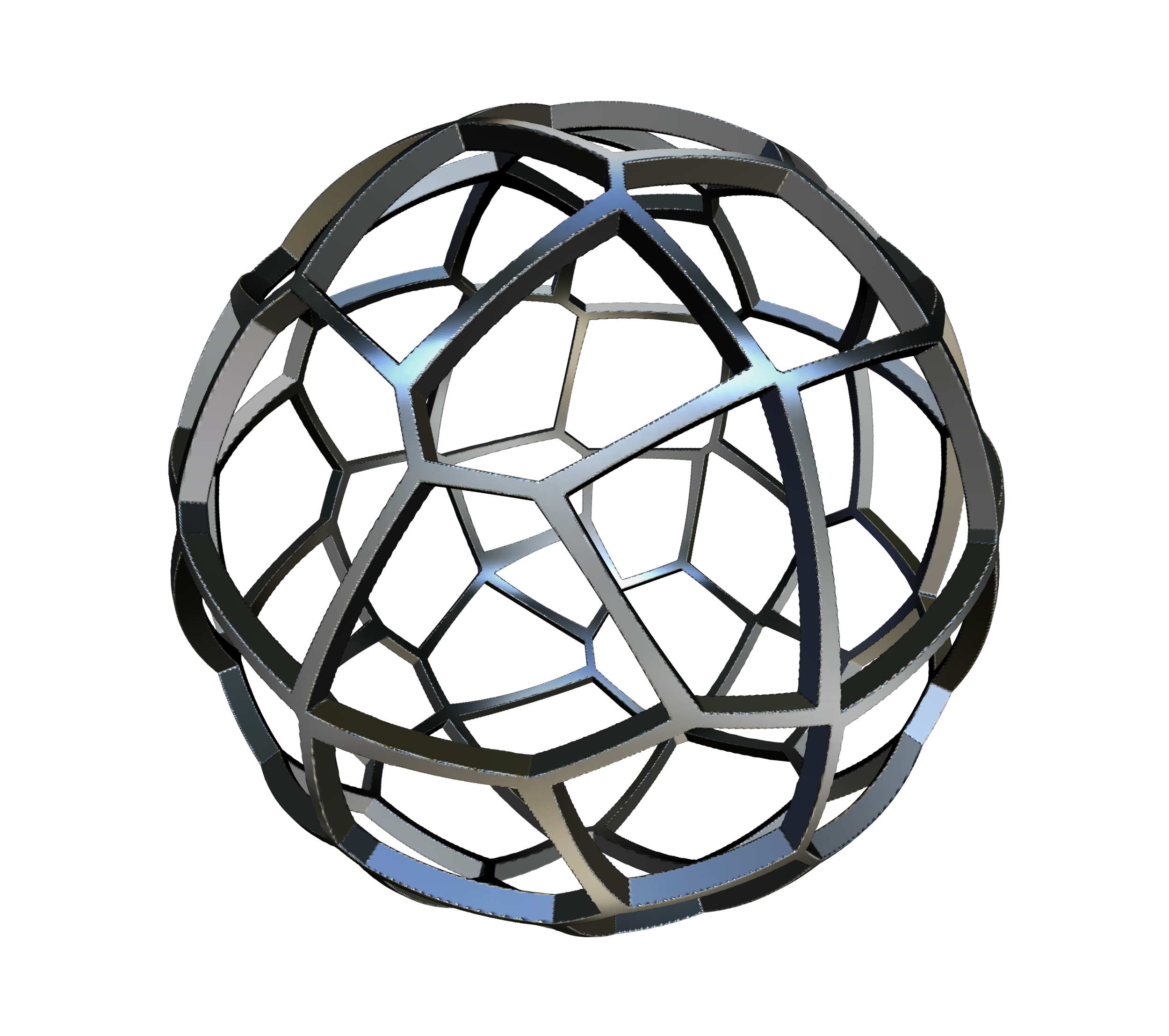
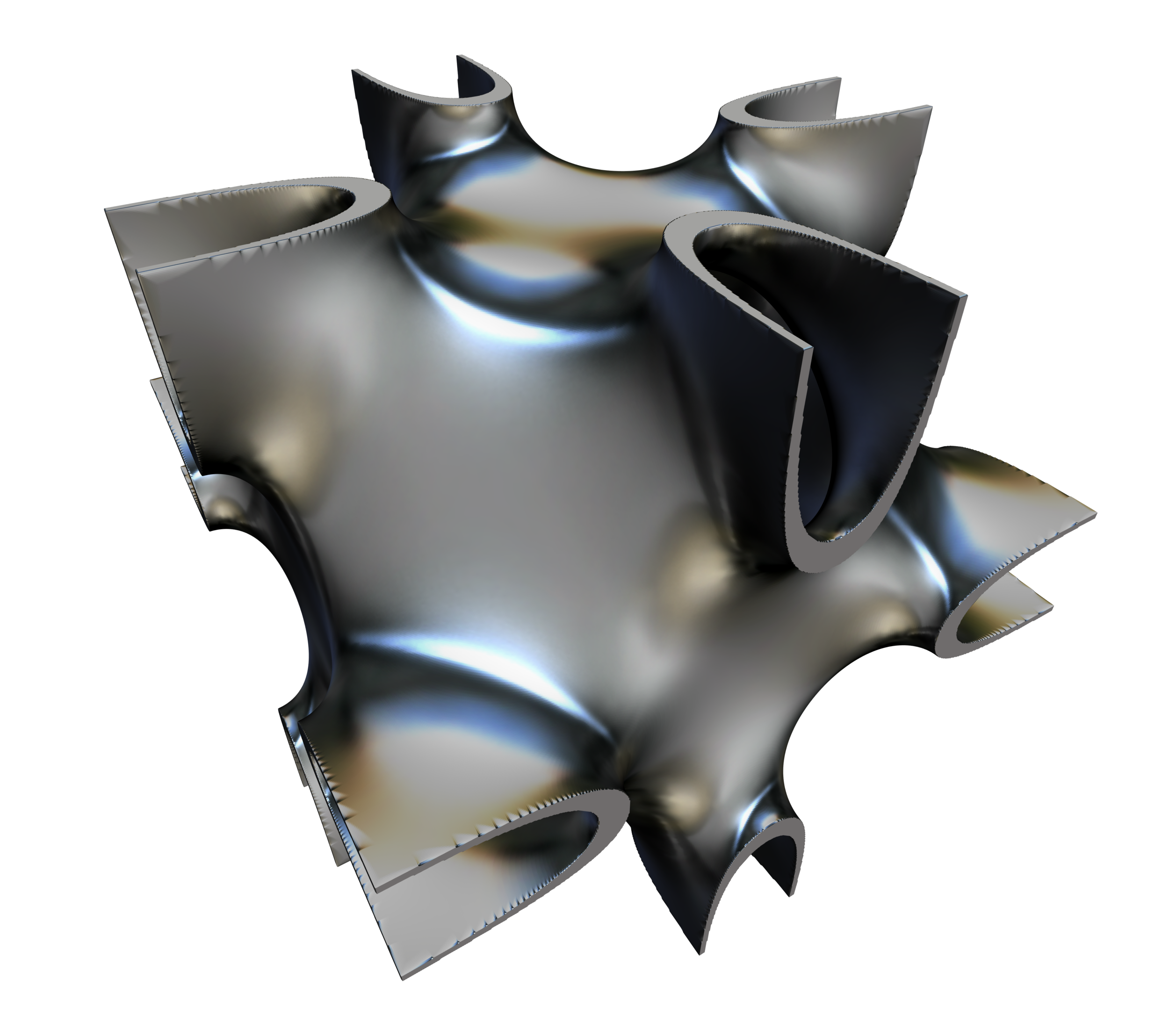
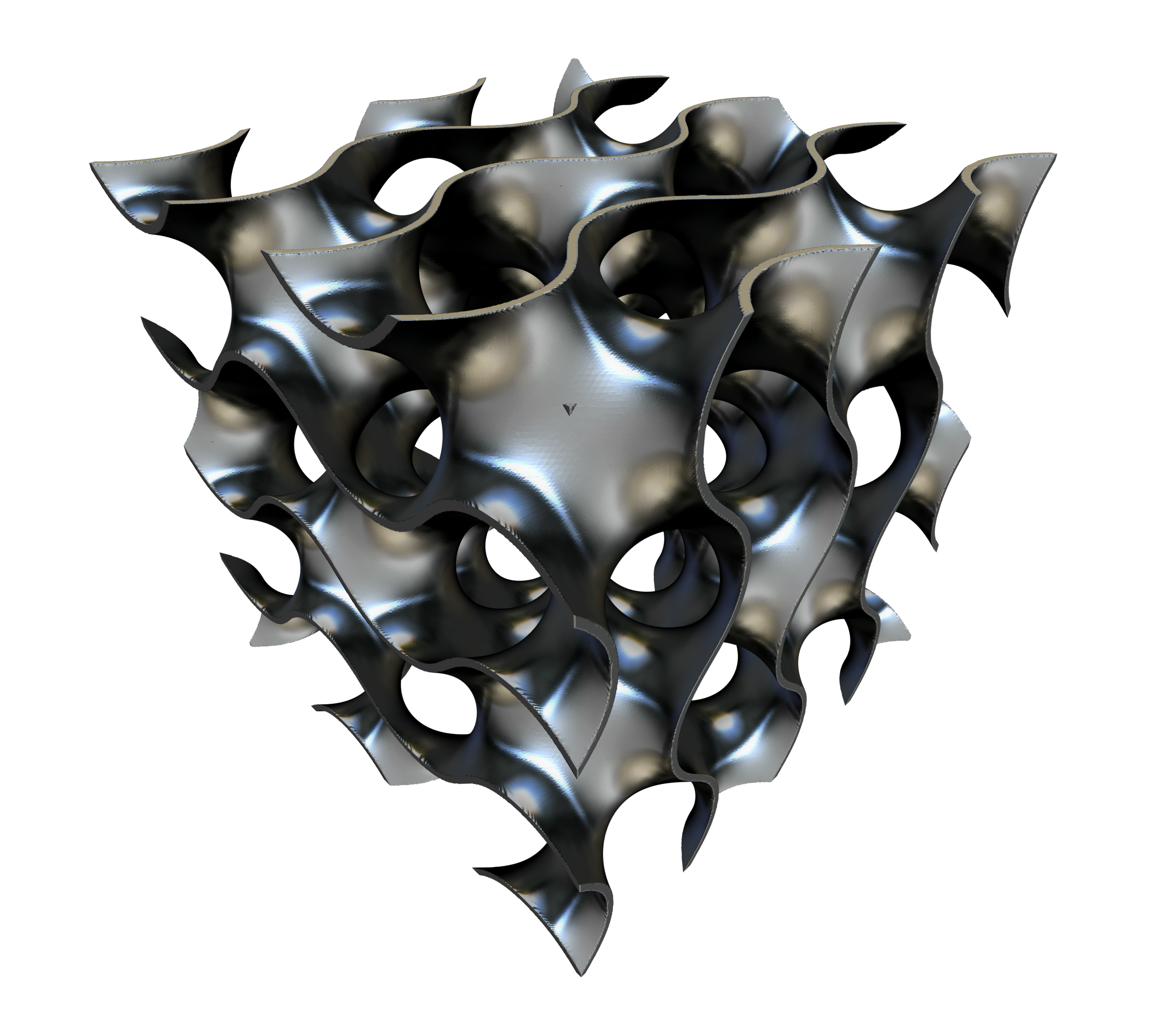
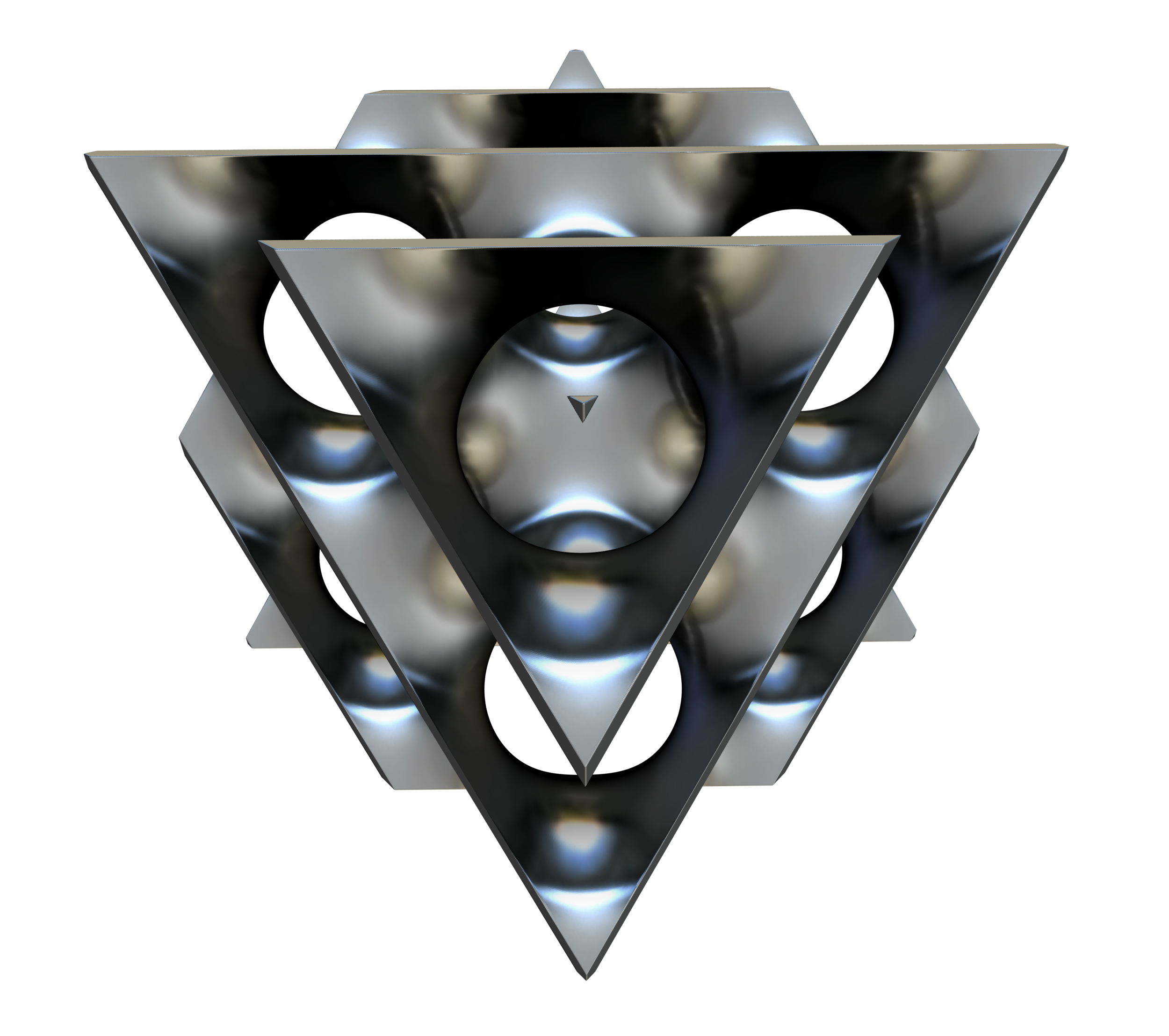
F3 [Form From Function] was a playful yet powerful 3D design application that allowed users to live-code 3D forms, rapidly iterate on designs, and export for 3D printing, rendering, animation, or any creative purpose imaginable. It was available on the Mac App Store from 2016 until December 2020.
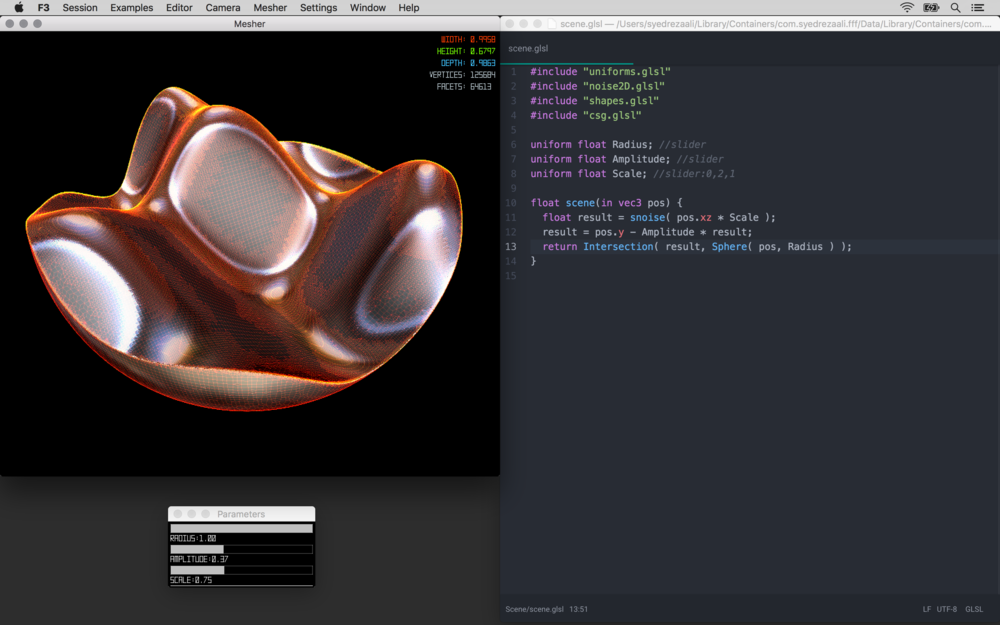
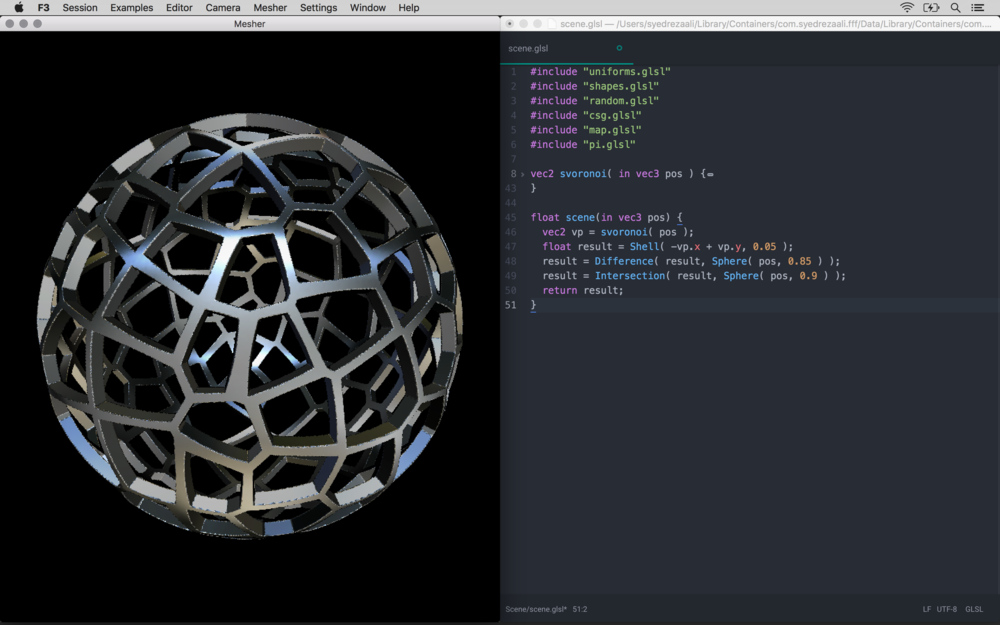
Most traditional design software represents form using polygons, vertices, or bounded surfaces. This is where F3 stood out—it leveraged signed distance functions (SDFs) to construct shapes. SDFs provide a unique way of conceptualizing space, time, and form, enabling the creation of more complex geometries and advanced modification operations. For an example of what’s possible with SDFs, explore ShaderToy to see some fascinating applications.
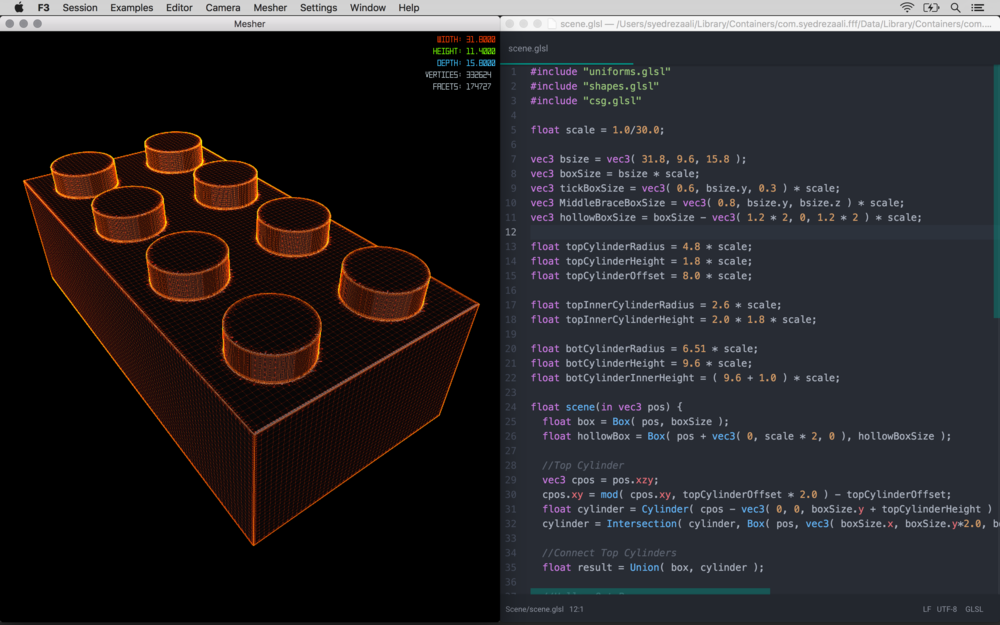
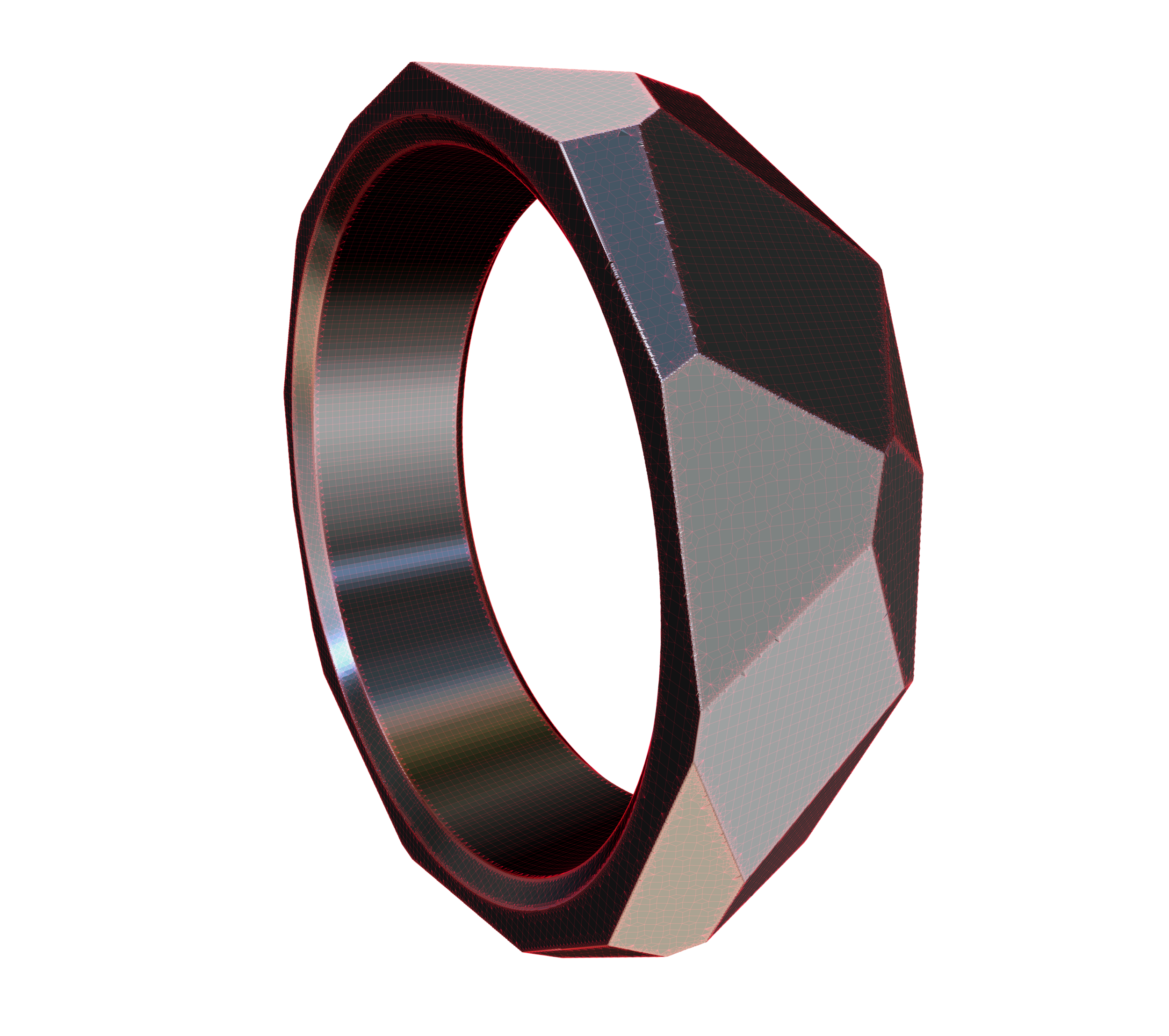
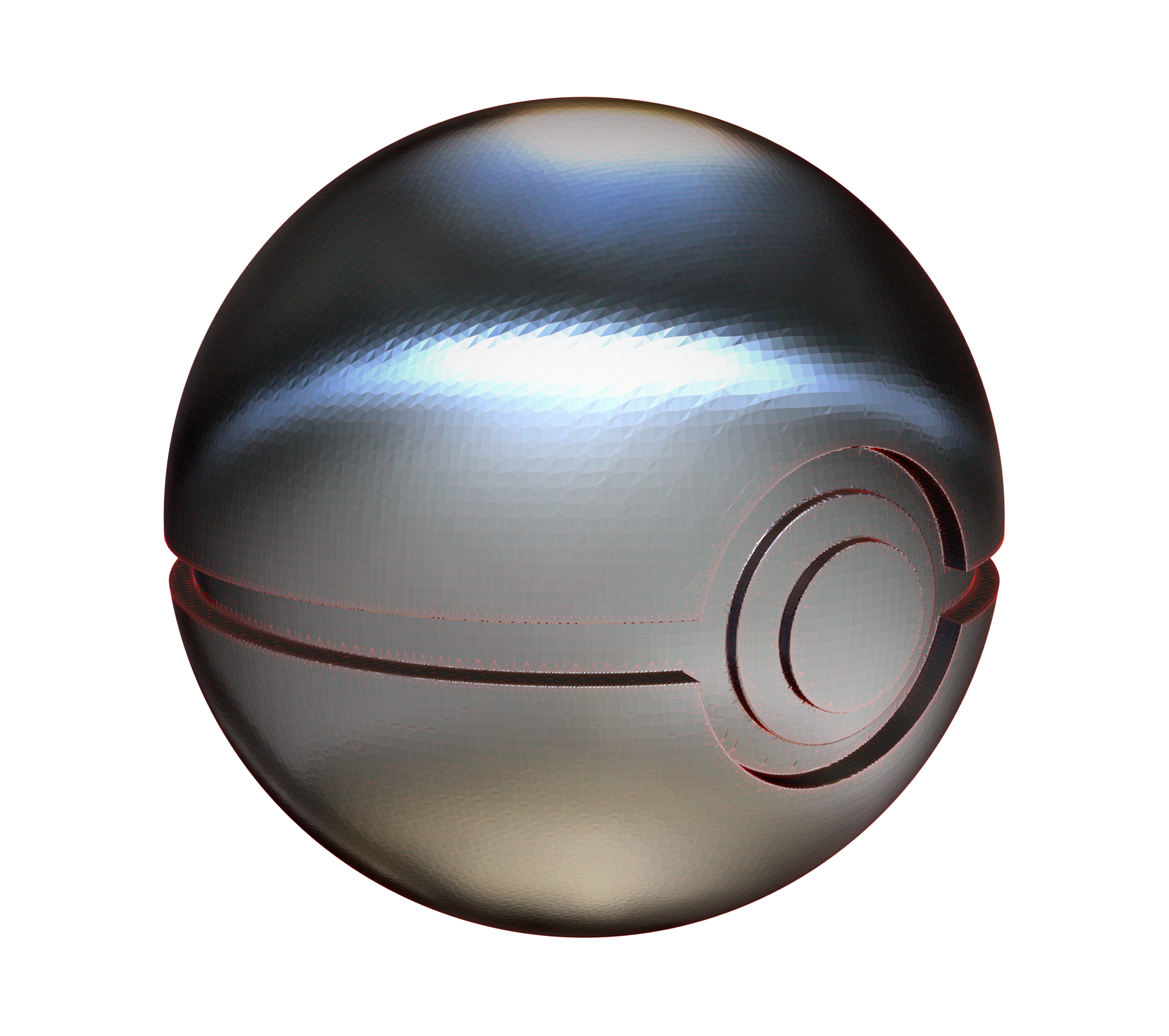
Think of F3 as a translator that converts your scene of SDFs into standard 3D file formats (OBJ, STL) compatible with other tools like Octane for high-fidelity rendering, Maya for animation, and PreForm for 3D printing.
What makes F3 Unique
It builds upon what is amazing about the industry's most experimental 3D design applications. Like Processing, F3 offers a highly responsive live coding environment. It also features a GPU accelerated real-time rendering engine and a functional and algorithmic approach to form making like OpenSCAD, opening up new design possibilities. With F3, your imagination is the limit!
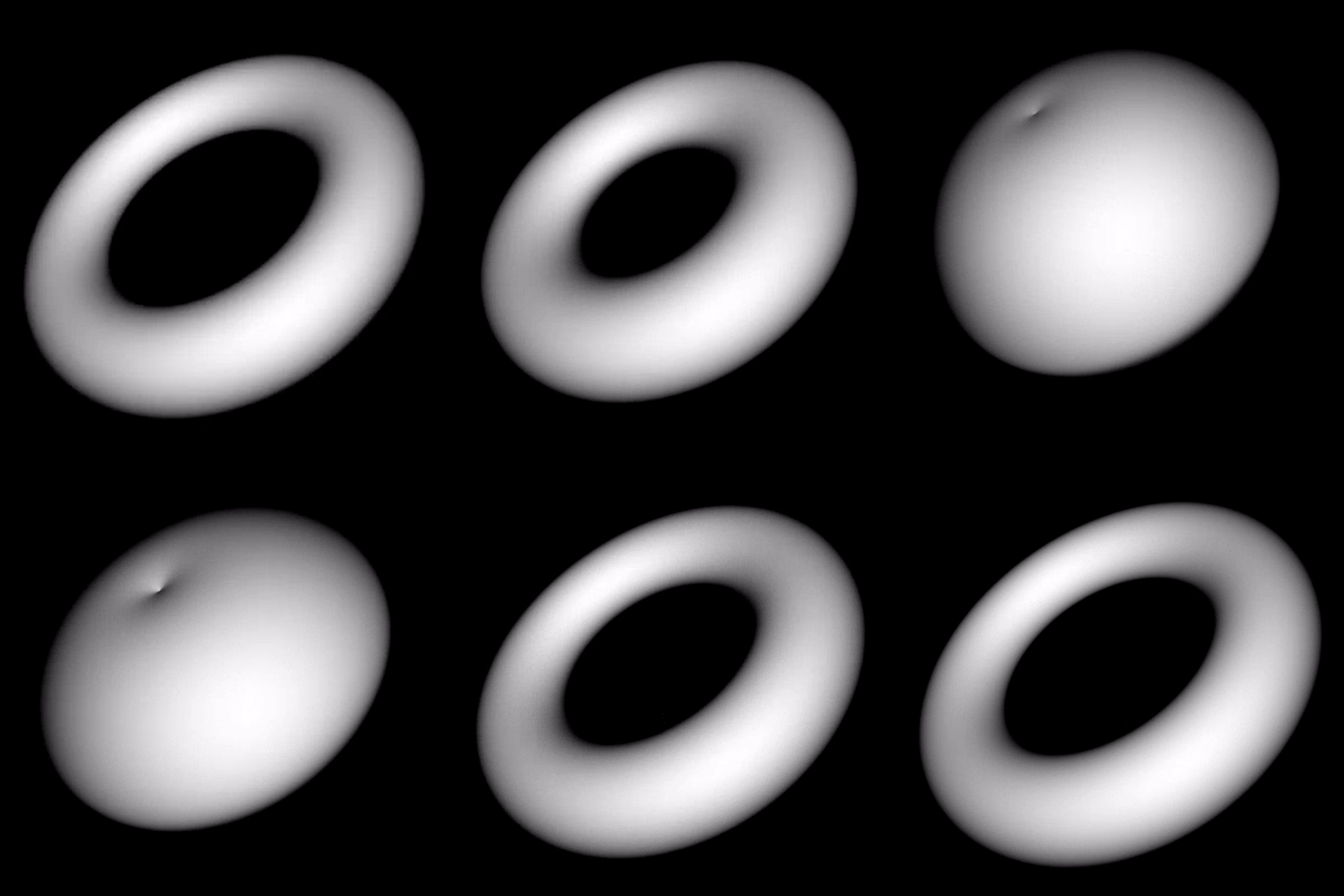
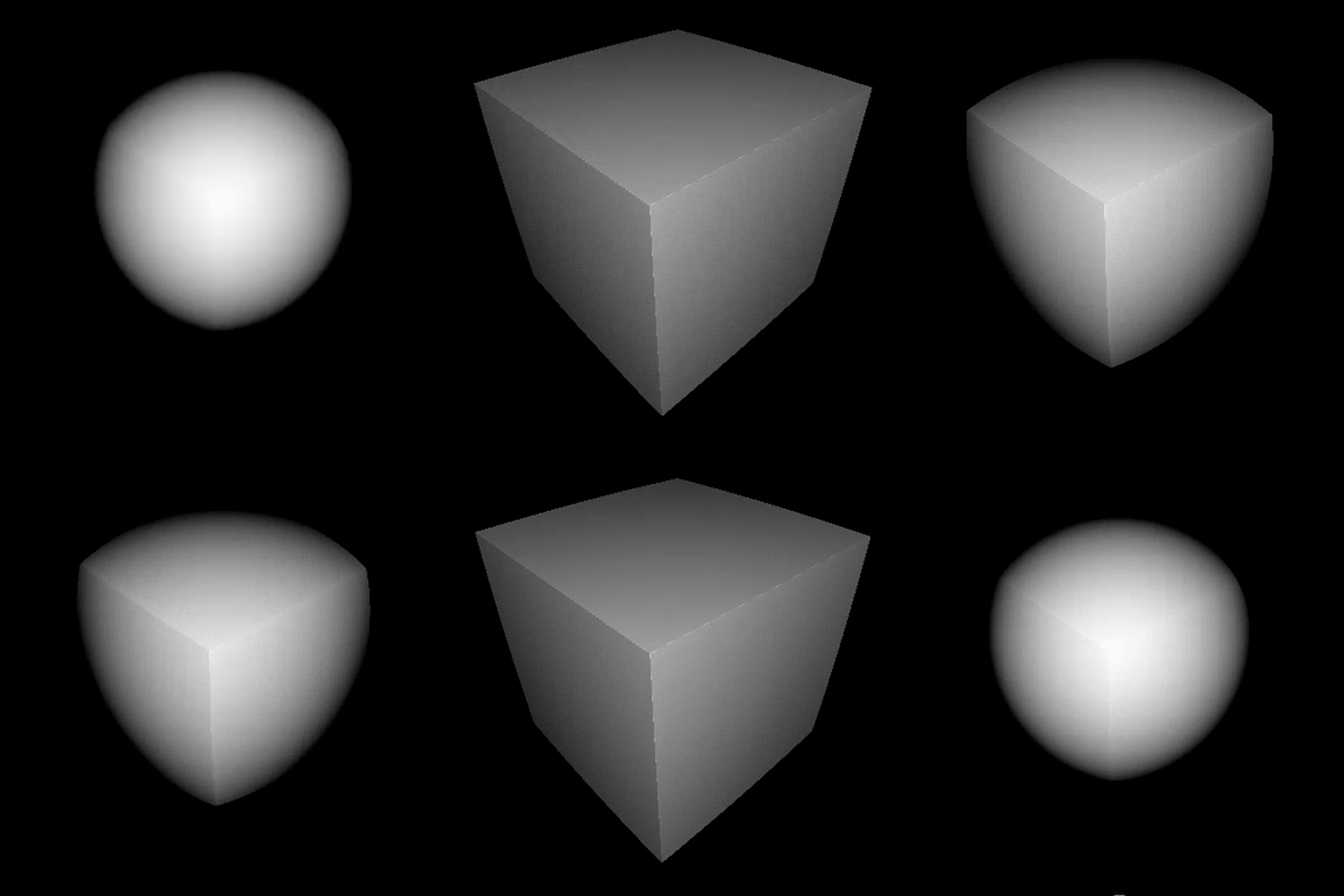
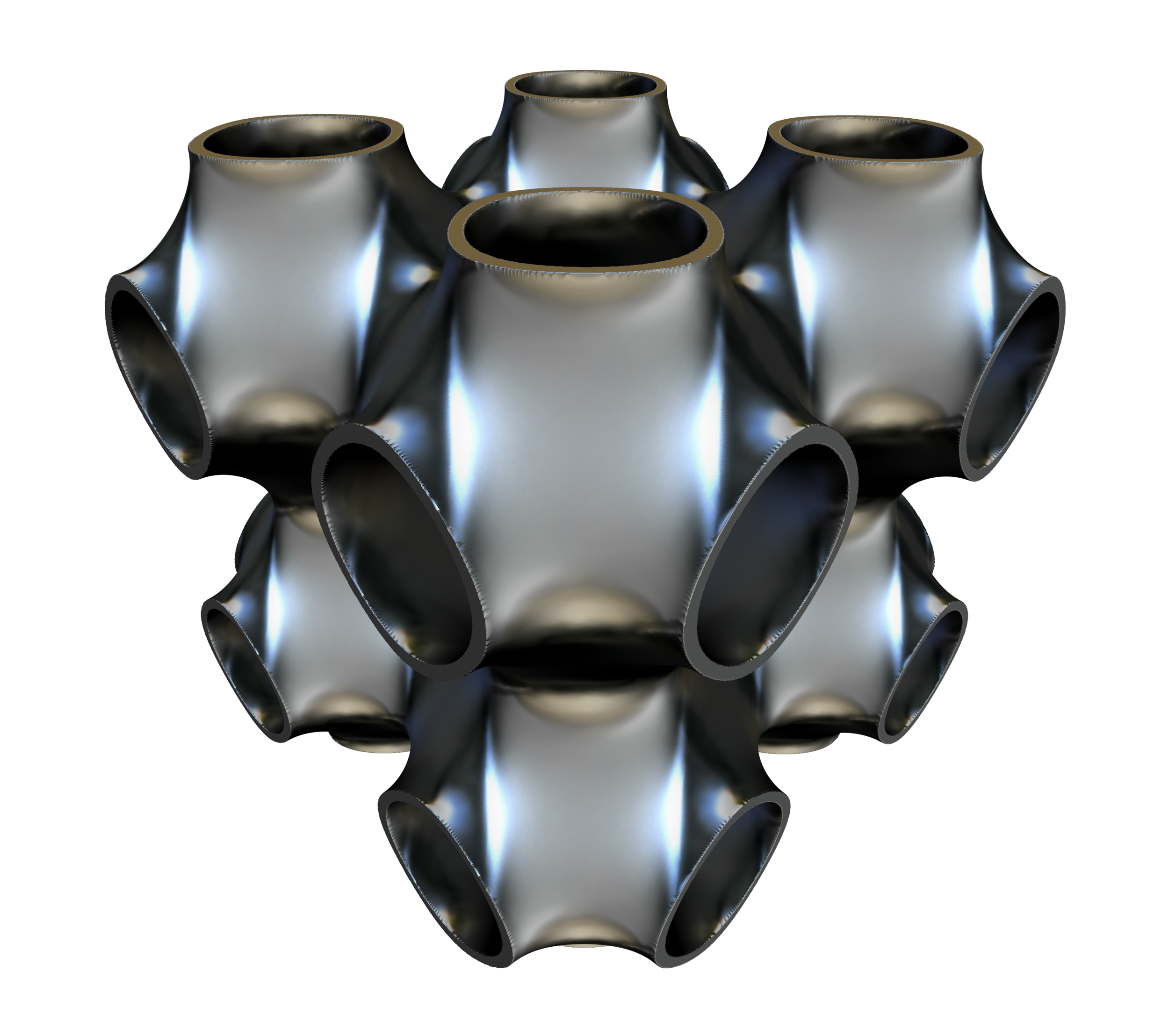
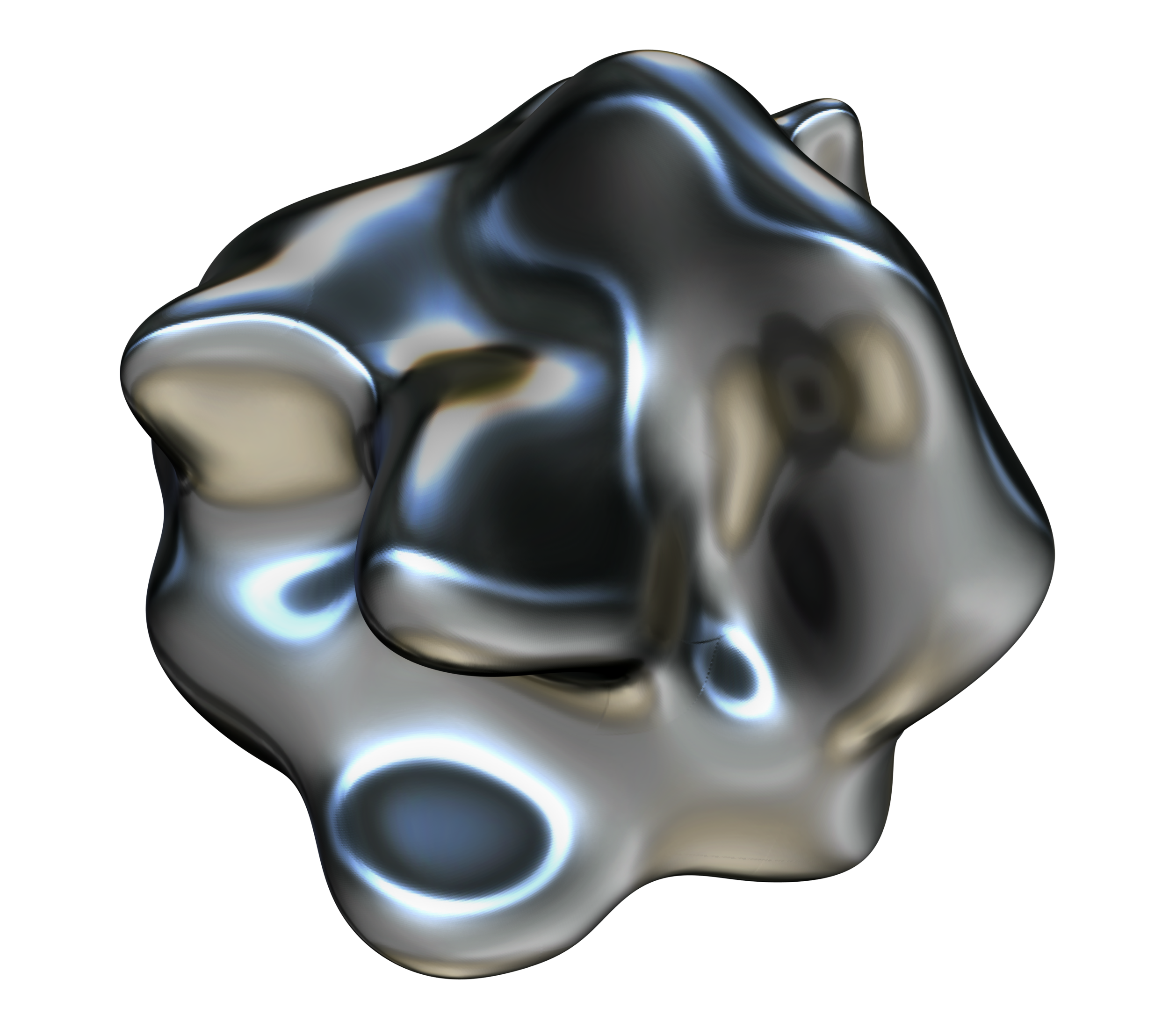
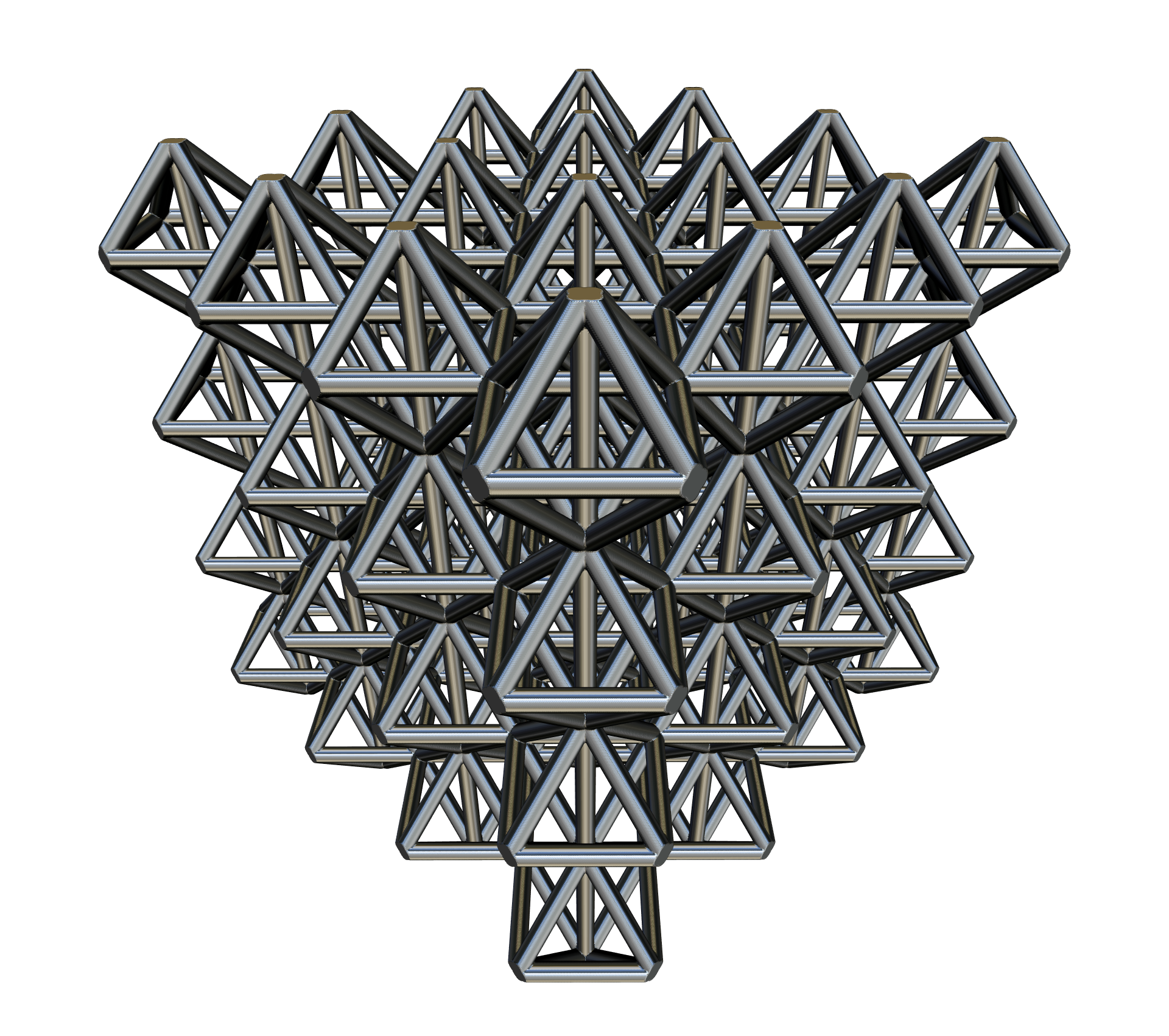
Most CAD software use boundary representations (B-Reps) and operations like extrudes and revolves to create and represent form. This works well for most modeling applications, however B-Reps constrain the types of forms that can be made and how those forms can be modified. F3 uses functional representations (F-Reps) a la signed distance functions and therefore can create more complex geometries, perform more complex modification operations to these geometries and represent forms that have different material compositions. For example, instead of just having boolean operations like, combine, subtract and intersect, F3 gives your the power to blend shapes together and even morph one shape into another:
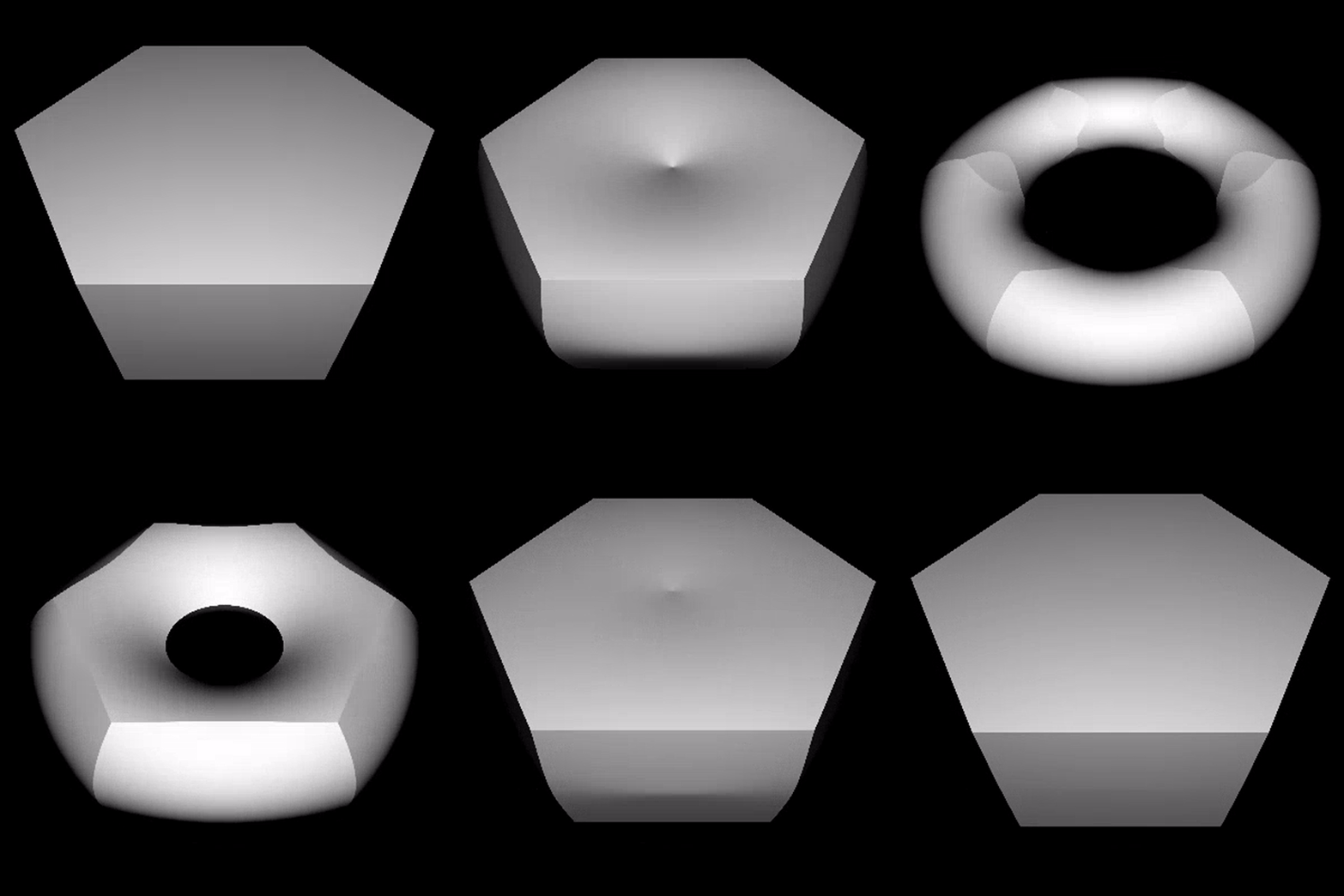
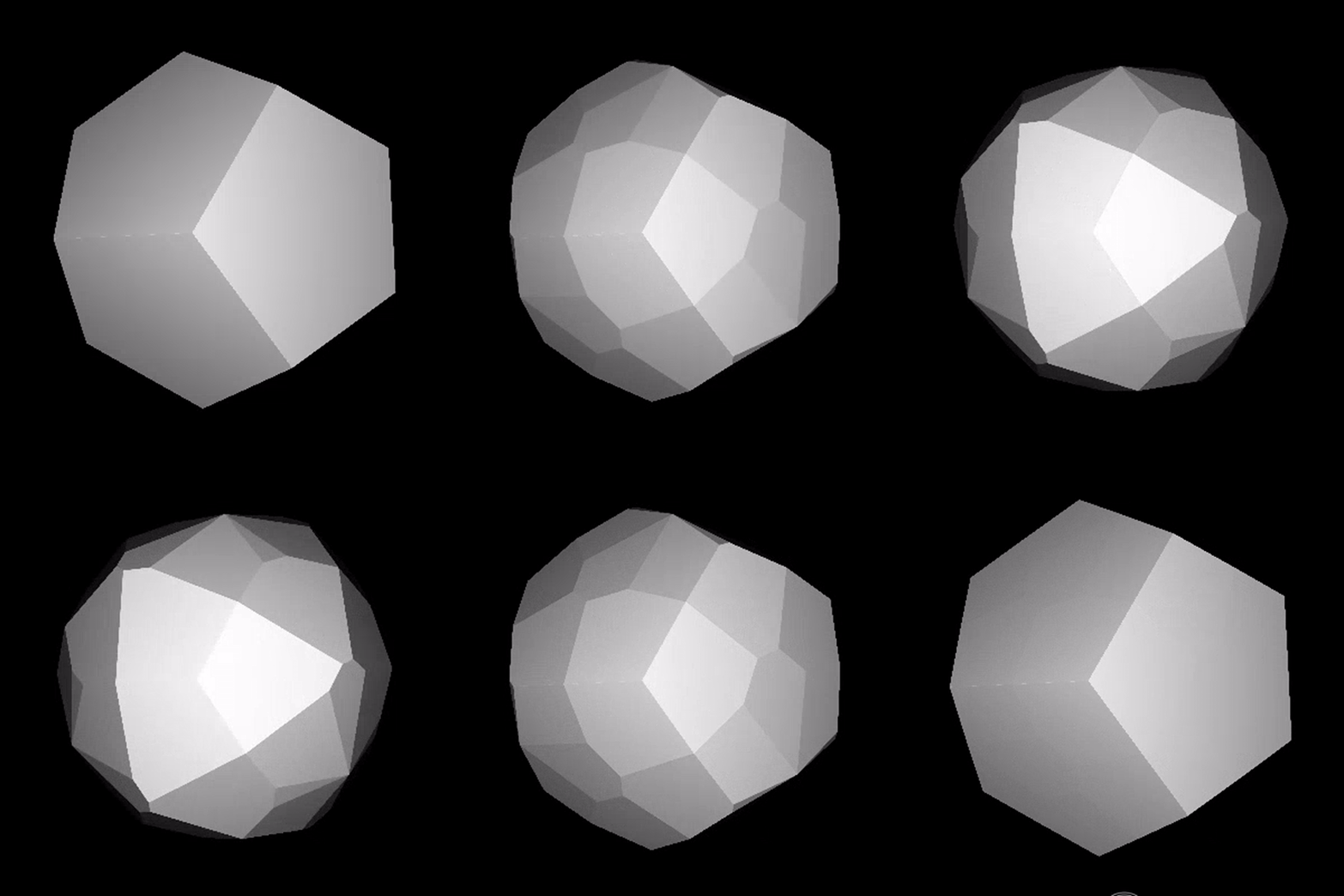
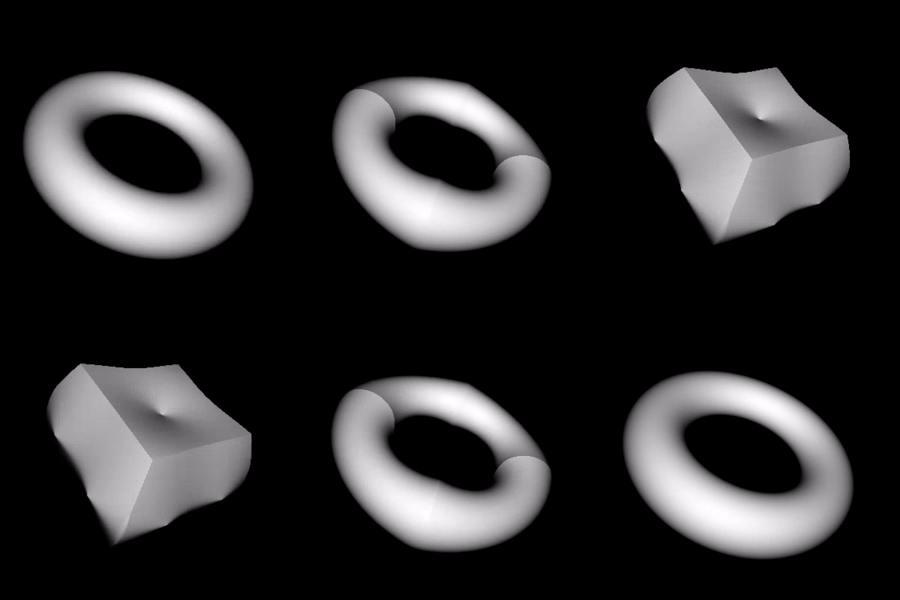
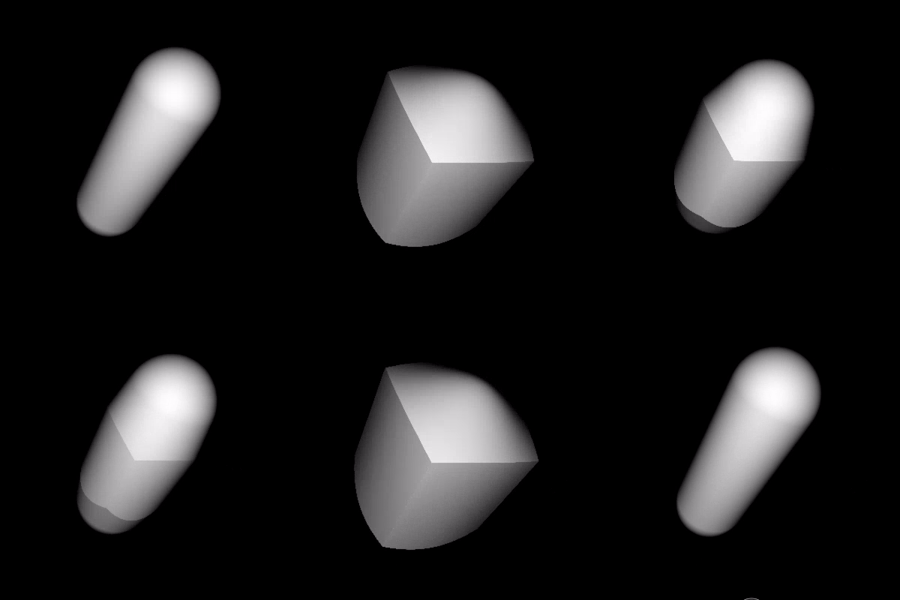
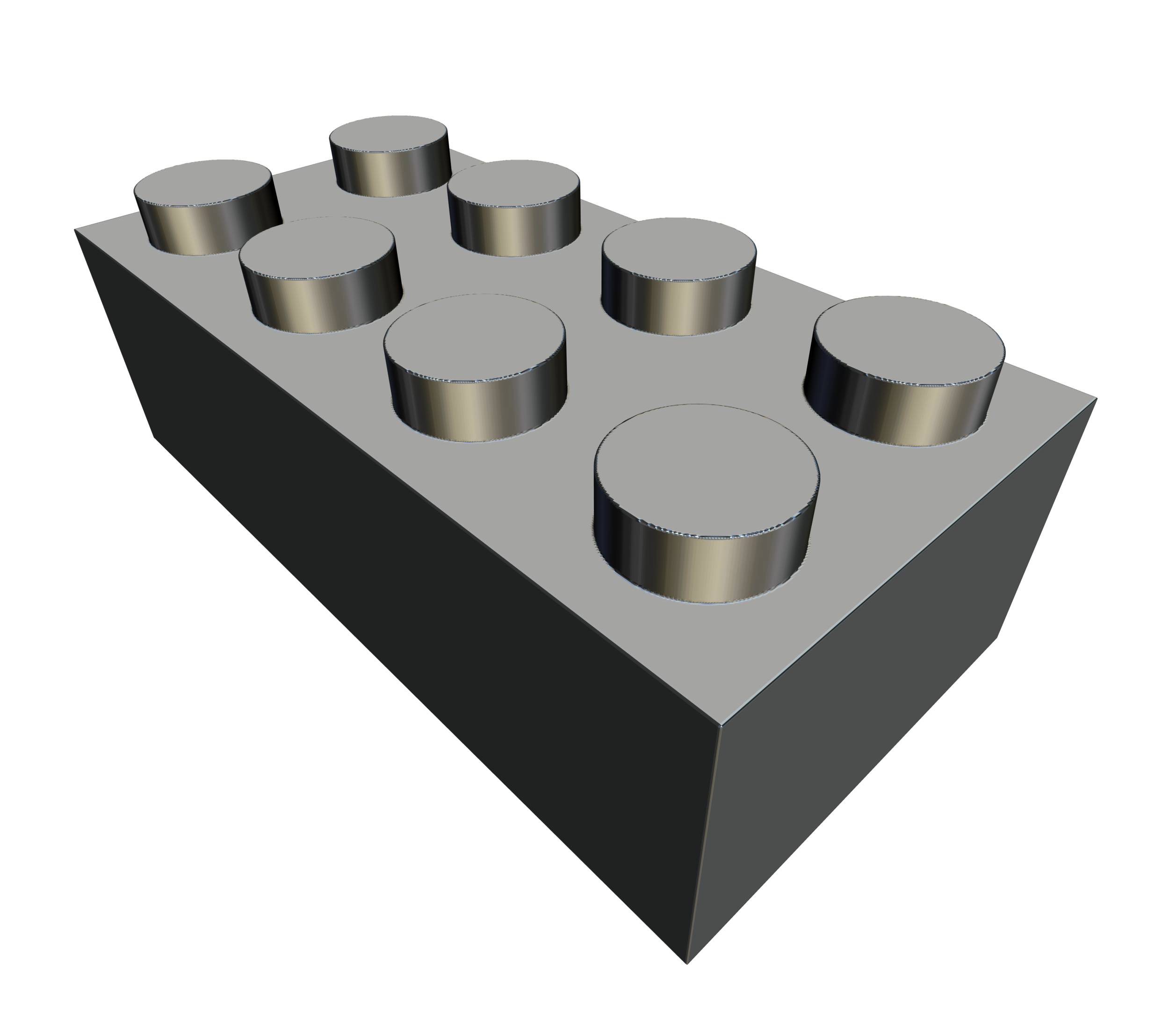
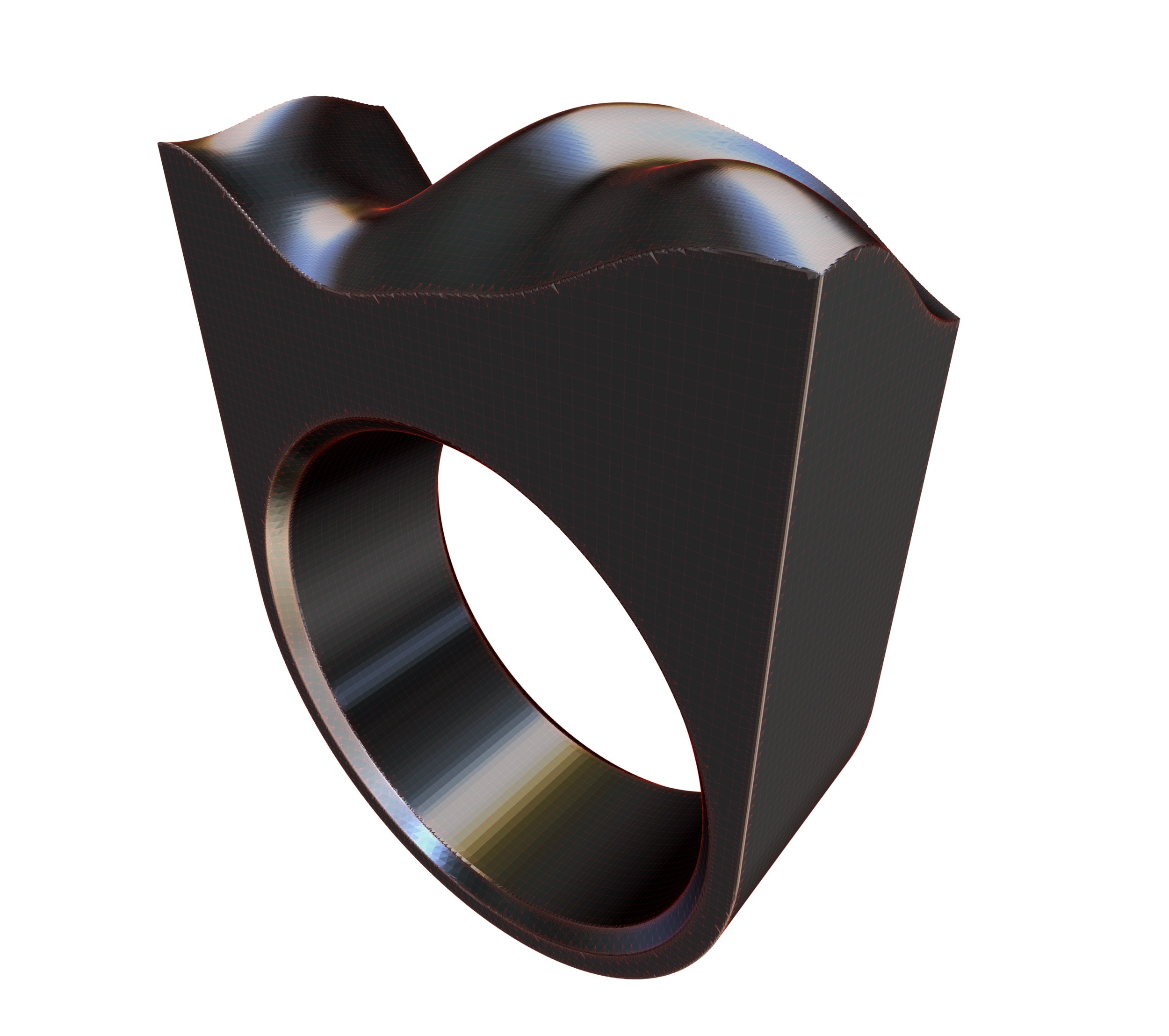
Furthermore, F3's interface is unlike anything before. Its end user experience is heavily influenced by Bret Victor's talk: Inventing on Principle. Its interface is built to give you immediate feedback while changing code and/or parameters, thus not only is F3 a powerful tool for designing form, its a great teaching & research tool. If you want to get deeper into understand the mathematics of SDFs and learn more about procedural / algorithmic design, F3 will help you explore and understand how to bend space!
1 / 12
Ideology & Origins
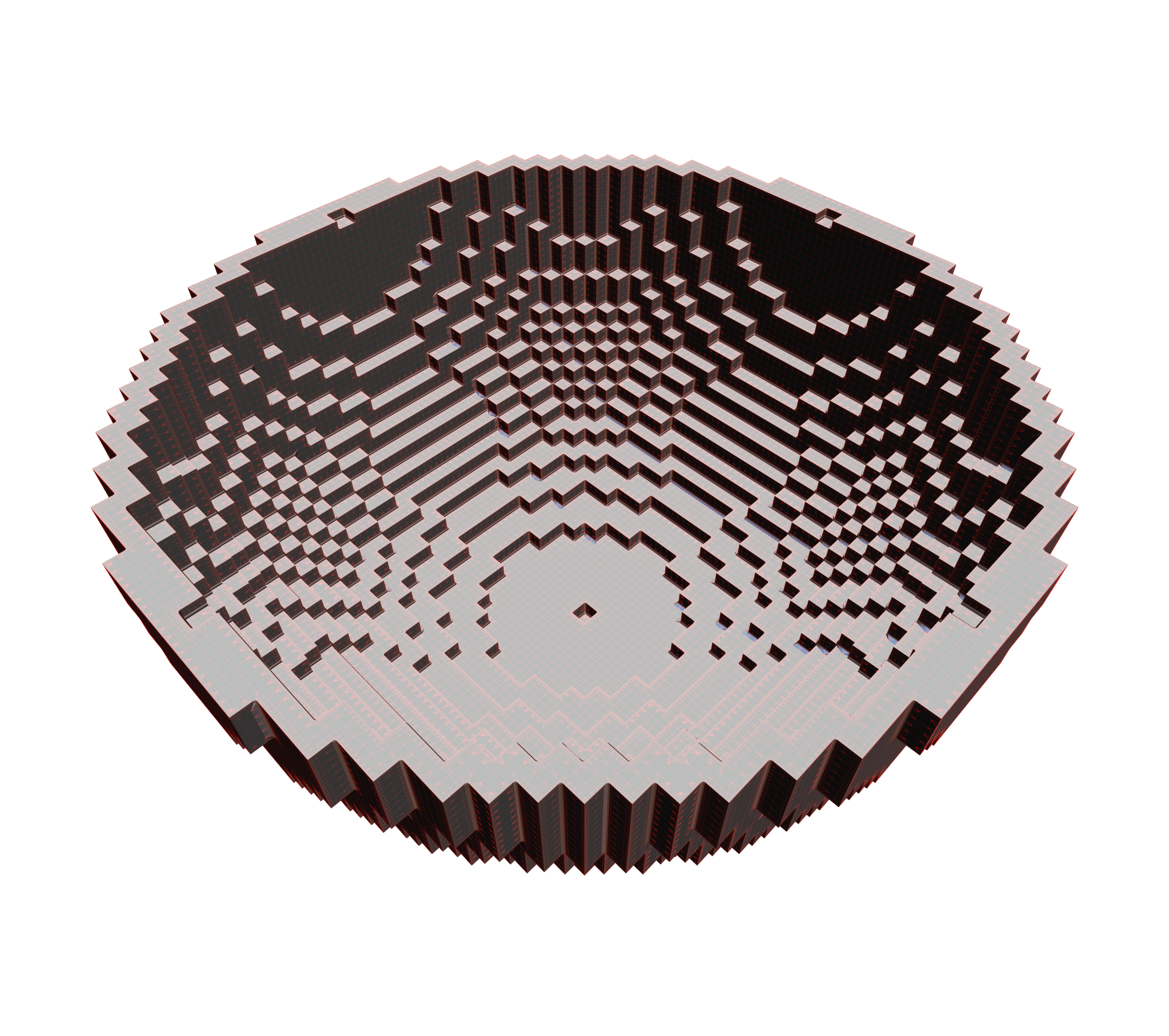
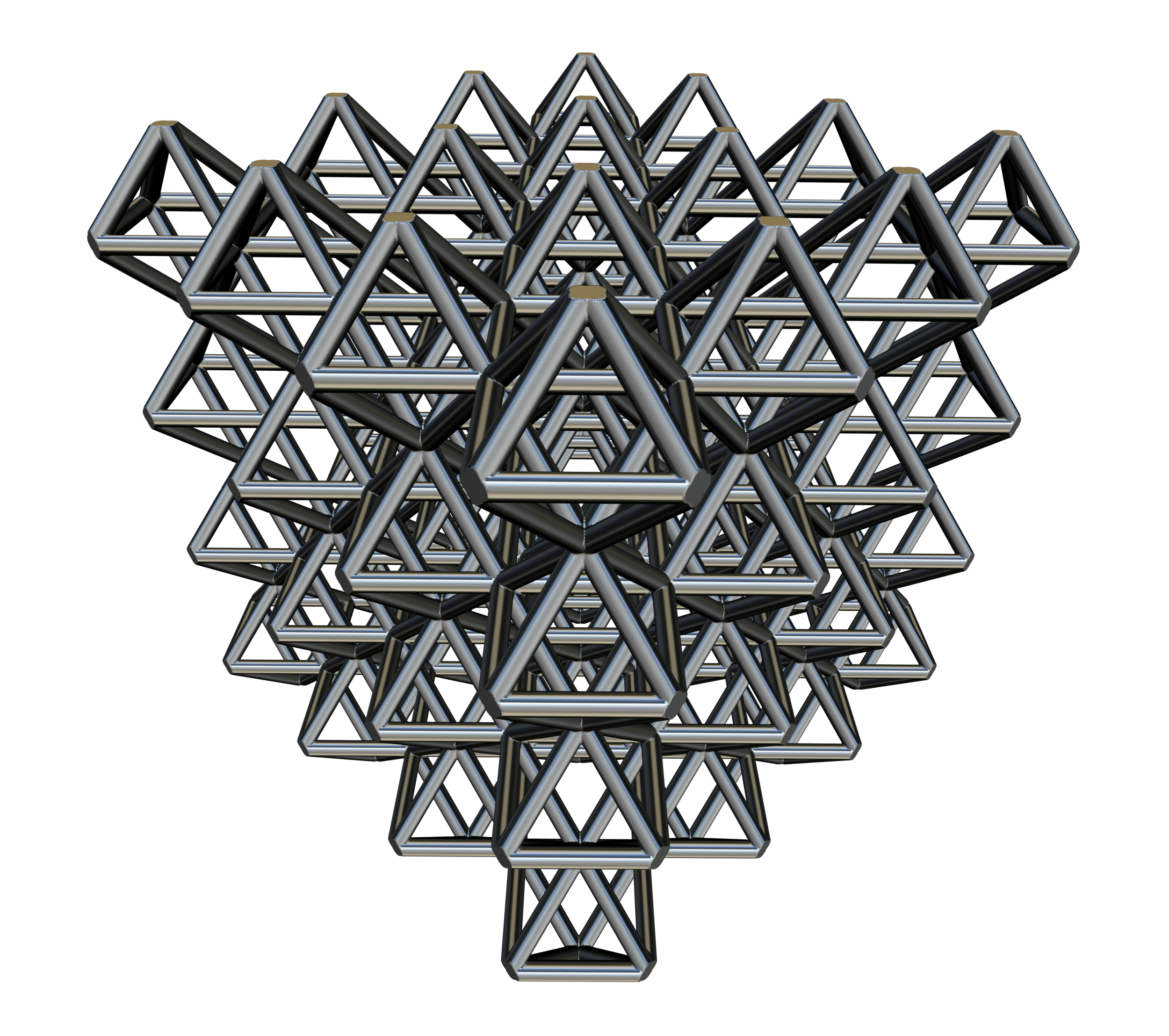
F3 evolved out of the idea of being able to design 3D forms using 2D image cross sections. Imagine a stack of 2D concentric circles of the same size on top of each other, in 3D this would make a cylinder. Further, a sphere is just a 2D circle that changes its radius along its perpendicular axis. Now imagine being able to use a pixel shader to define any arbitrary shapes that changes along its perpendicular axis!

Learnings
F3 was an experiment. Half art project, half commercial endeavor. By putting F3 on the App Store, I learned that code as an interface is not great for humans, and documentation, coding support and a community forum is very important. Sometime I forget I’ve been coding for ~15 years and what is easy for me to wrap my head around might not be easy for others. I’d like to apologize to all the customers who reached out via email asking for help getting started. I should have planned better for supporting this app. Definitely a good lesson learned for the next one.